
Software guide
MainStage and Gig Performer: the basics
What a live host is, why you want one instead of a DAW on stage, and how MainStage and Gig Performer organise sounds into patches, sets and rackspaces. Enough to get a MIDI controller playing a laptop at a gig.
Updated 22 September 2026Live HostsMIDI KeyboardsMIDI Adapters
What a live host is
A live host is a program whose only job is to turn a MIDI keyboard into an instrument on stage. It loads your plug-in synths and pianos, decides which of them the keyboard plays right now, and lets you jump from one sound to the next between (or during) songs without a gap. No timeline, no recording, no mixing session: just sounds, ready to play.
You could do this in Logic, Ableton or Cubase, and plenty of people do, but a DAW is built around a project you edit rather than a set you perform. Switching sounds means changing tracks, everything you are not using still eats CPU, and there is a lot of screen you never need. A host strips that back to what a player wants: big readable patch names, a set list, and reliability.
The two you will hear about are MainStage, Apple's own, and Gig Performer, from a small company called Deskew. Cantabile (Windows) and Camelot Pro (Mac, Windows, iPad) are the other names; the ideas below apply to all of them.
MainStage
Mac only, from the App Store for about the price of a cable. That price buys the whole Logic Pro instrument library (the pianos, the Alchemy synth, the vintage keys, the drum kits) plus every plug-in you have installed. For a lot of keyboard players it is the reason to own a Mac.
MainStage organises everything into a concert. A concert holds sets, sets hold patches, and a patch is one playable sound (or a stack of them). The layout on screen is a workspace you design with knobs, faders and buttons that mirror your controller, so what you see on the laptop matches what is under your hands.
- Patch: one sound, or several channel strips layered and split across the keyboard. A piano under a pad, a bass below middle C, a lead on top.
- Set: a group of patches, usually one set per song. Patch changes inside a set can be instant because the set's channel strips are shared.
- Concert: the whole show. Concert-level channel strips (a reverb, a master EQ, a click) stay live across every patch.
- Layout: the on-screen controls. Assign them once to your keyboard's knobs and faders and every patch can use them.
- Alias: a channel strip that points at one in another patch, so a heavy piano is loaded once and reused instead of loading twenty copies.
Gig Performer
Mac and Windows, sold as a one-off licence (currently the fifth version; around the price of a decent pedal, often discounted). No instruments of its own, so you bring plug-ins, which is the point if you already own Keyscape, Omnisphere, Pianoteq or Kontakt libraries and want them on a Windows laptop as much as a Mac.
Its unit is the rackspace: a patch-cable diagram where you wire MIDI in, plug-ins and audio out however you like, then draw a panel of widgets (knobs, buttons, faders) on top and map them to your controller. Each rackspace can have variations, the same wiring with different widget settings, so one rackspace covers the verse and chorus sound with a single button press.
- Rackspace: a self-contained sound design, plug-ins, routing and the panel that controls them.
- Variation: a snapshot of the widgets in a rackspace. Switching variations is instant and silent.
- Setlist and songs: songs are lists of song parts, each pointing at a rackspace variation, so the show runs top to bottom with next/previous.
- Predictive loading: only the current rackspace and the next few are held in memory, which is how a modest laptop runs a huge set.
- Global rackspace: what stays loaded for the whole show, a reverb, a vocal channel, a backing-track player.
- GP Script and OSC: for the people who want the laptop to do things automatically, from remapping a pedal to driving lights.
Which one
- You have a Mac and no plug-ins yet: MainStage. The bundled library is enormous and it is essentially free.
- You are on Windows, or you split time between Mac and Windows: Gig Performer.
- You already own the plug-ins you love and want them stable, with the option of scripting and OSC: Gig Performer, on either platform.
- You need a lot of layered sounds with fast switching in one song: either works; MainStage's set-level channel strips and Gig Performer's variations both do it without dropouts.
Both run happily alongside a hardware synth rig (a host does not replace a Nord, it fills in the sounds you don't have) and both take program changes from the keyboard, so patch changes can come from a button on the controller rather than the laptop trackpad.
 Current
Apple
MainStage
- Platforms
- macOS
- Licence
- One-off purchase
- Bundled instruments
- Yes
- Current version
- 4.3
£29.992007 Current
Deskew Technologies
Gig Performer 5 Pro
- Platforms
- macOS, Windows
- Licence
- One-off purchase
- Bundled instruments
- No
- Current version
- 5
approx. £1262024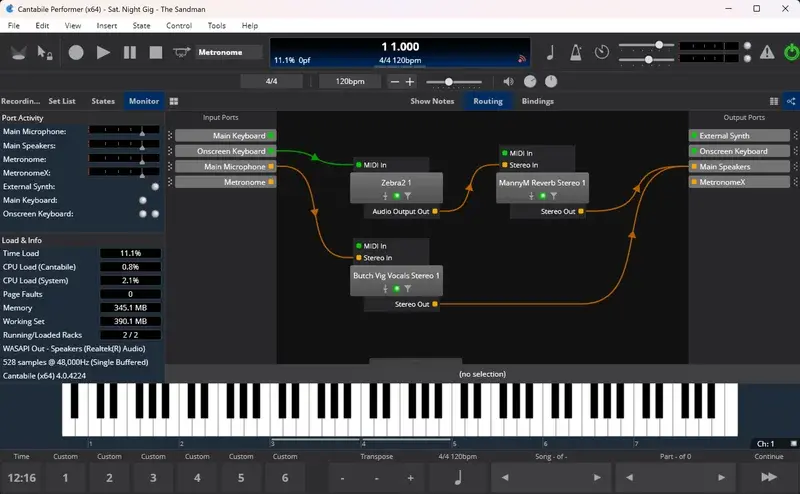 Current
Topten Software
Cantabile 4 Performer
- Platforms
- Windows
- Licence
- One-off purchase + optional update subscription
- Bundled instruments
- No
- Current version
- 4
approx. £1492022
The hardware side
A host is only as good as what you plug into it. The three things that matter:
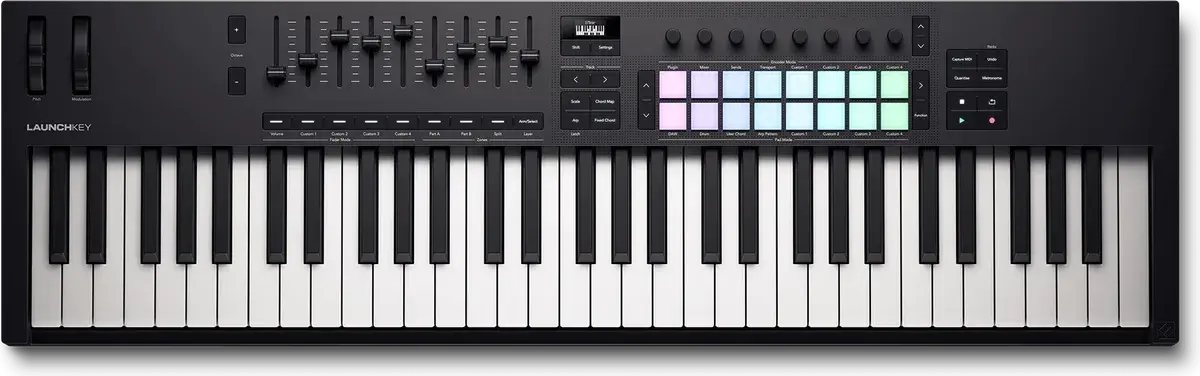
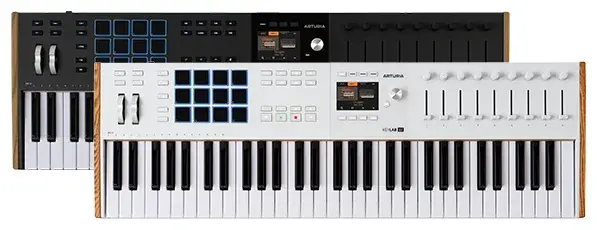
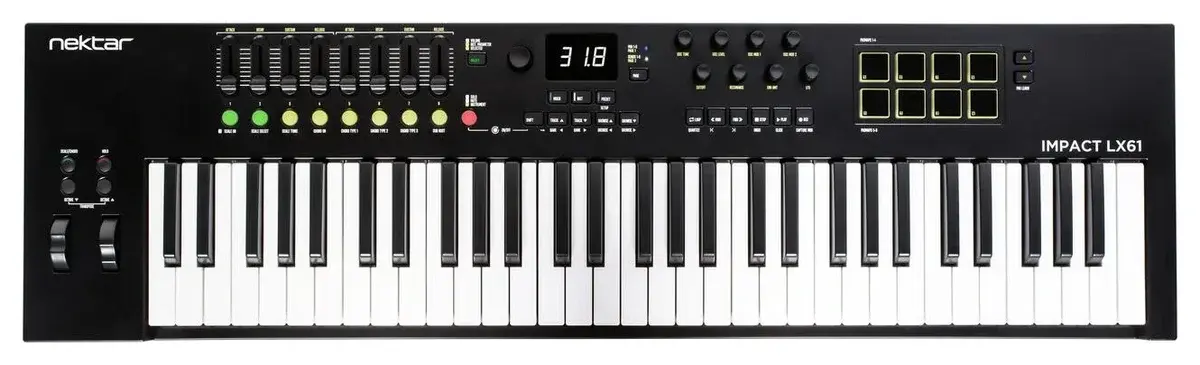
- A controller with enough knobs and faders to reach the widgets you mapped, and ideally a couple of assignable buttons for next/previous patch. Anything in the MIDI Keyboards category qualifies; more assignable controls beats more keys.
- An audio interface. The laptop's headphone socket works in rehearsal; on stage you want balanced outputs and a driver that runs at a small buffer (128 samples or lower) without crackling. Latency you can feel starts around 10 ms round trip.
- A sustain pedal that matches the keyboard's polarity, and an expression pedal if you use organ swells or volume on a lead. See the Foot Pedals category.
 Current
CME
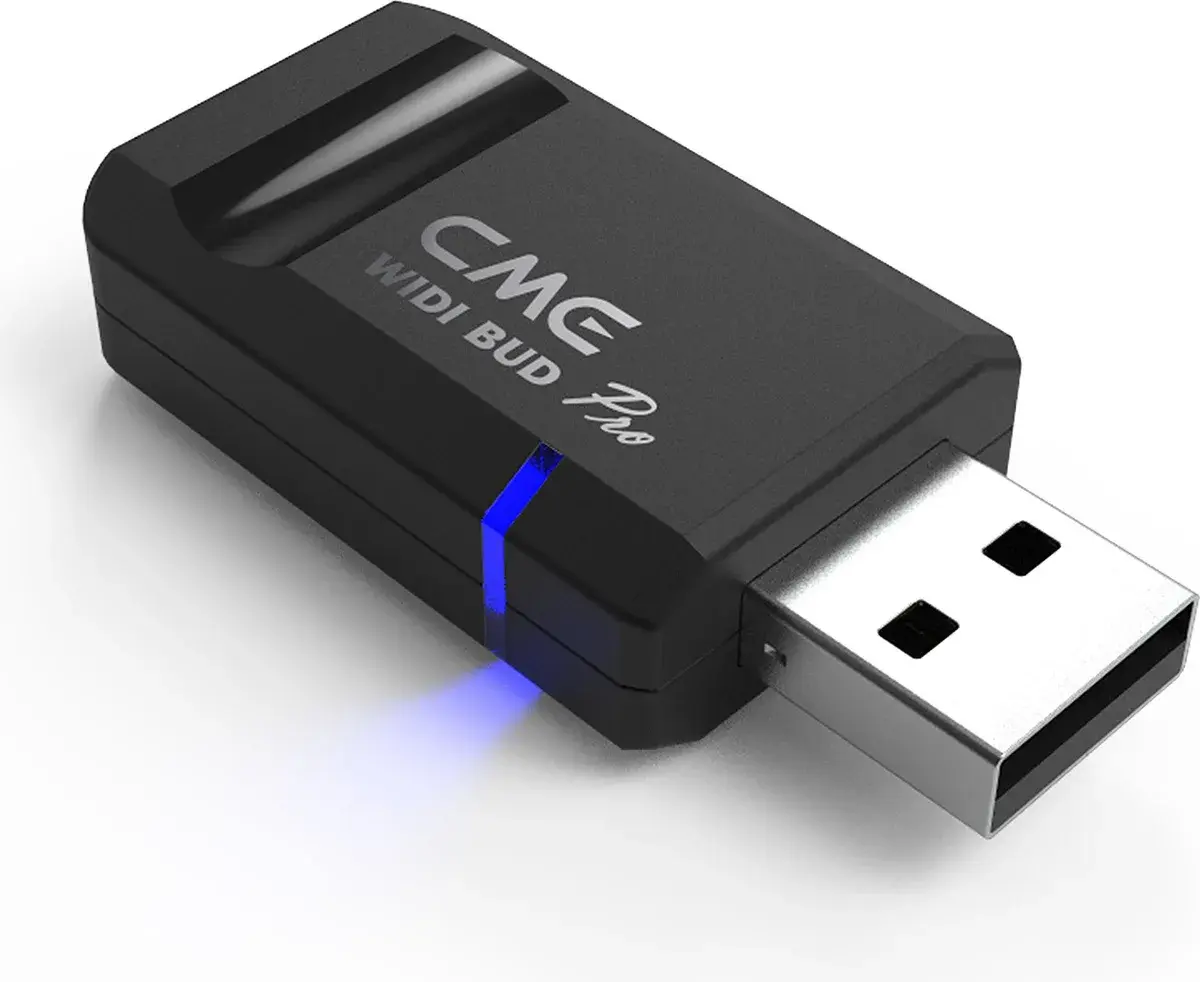
WIDI Bud Pro
- Type
- Bluetooth MIDI (USB dongle)
- Bluetooth
- 5.0
- Powered from
- Host device
- Pairs without a computer
- No
£592021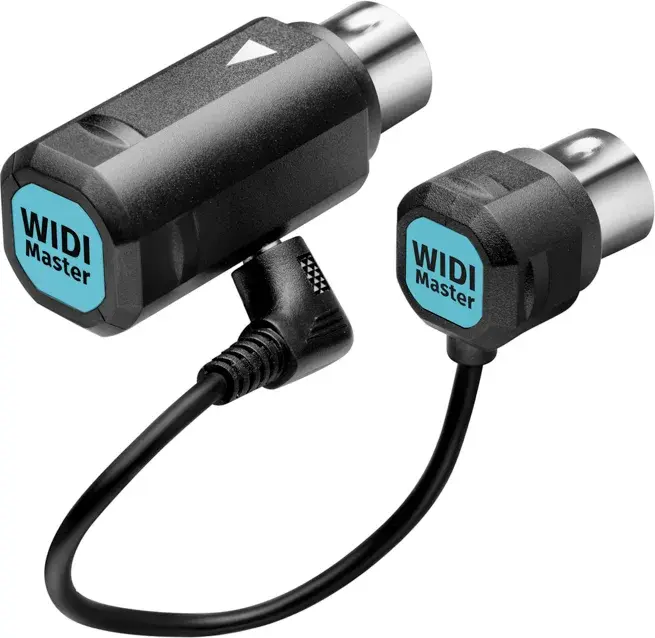 Current
CME
WIDI Master
- Type
- Bluetooth MIDI (DIN)
- Bluetooth
- 5.0
- Powered from
- MIDI out (bus)
- Pairs without a computer
- Yes
£492020
If the controller is across the stage from the laptop, the wire-free keyboard guide covers getting its MIDI to the host over Bluetooth and running it from a battery.
Before the first gig
- Build the set in song order, one patch or rackspace per song, and name them the way the set list is written.
- Map the controller once at the top level (layout in MainStage, widgets in Gig Performer) so every patch responds the same way.
- Turn off Wi-Fi, notifications, Spotlight indexing and automatic updates; set the power plan to never sleep; plug the laptop into mains.
- Play the whole set through at the buffer size you will use live and watch the CPU meter. If anything spikes, freeze or alias it.
- Take a spare: an export of the concert or gig file on a USB stick, and a hardware sound you can fall back to if the laptop dies.