
Setup guide
The completely wire-free keyboard
How to put a keyboard anywhere on stage – a satellite for a singer or guitarist, say – with no MIDI cable and no mains lead, using Bluetooth MIDI adaptors and a power bank that won't switch itself off.
Updated 22 September 2026MIDI AdaptersMIDI KeyboardsKeyboard Stands
What you are building
The usual reason for this is a second keyboard somewhere awkward: a singer who plays a pad part, a guitarist who wants a bass synth by their pedalboard, a controller on a stand at the front of the stage. Every one of those normally means a MIDI cable and a mains lead trailing back to the keyboard rig, which is two things to trip over and two things to tape down.
There are two wires to get rid of. MIDI goes over Bluetooth LE MIDI, which is quick enough that nobody notices, using a small adaptor at each end. Power comes from a USB power bank – the same thing you charge a phone from – with one important caveat about the kind of bank you buy.
The keyboard itself does not need anything special. Almost any bus-powered MIDI controller works, and so does anything with a MIDI out socket. The sound comes from wherever it always did: your laptop, a synth module, a stage piano across the stage.
Part 1 – the MIDI link
Bluetooth MIDI has two roles. One device is the 'central' that does the connecting; the other is the 'peripheral' that gets connected to. Phones and computers are always centrals. The trick to a computer-free rig is choosing adaptors that can play either role, so a plug in the keyboard can talk straight to a plug in the synth.
Which adaptor goes on the keyboard depends on its sockets:
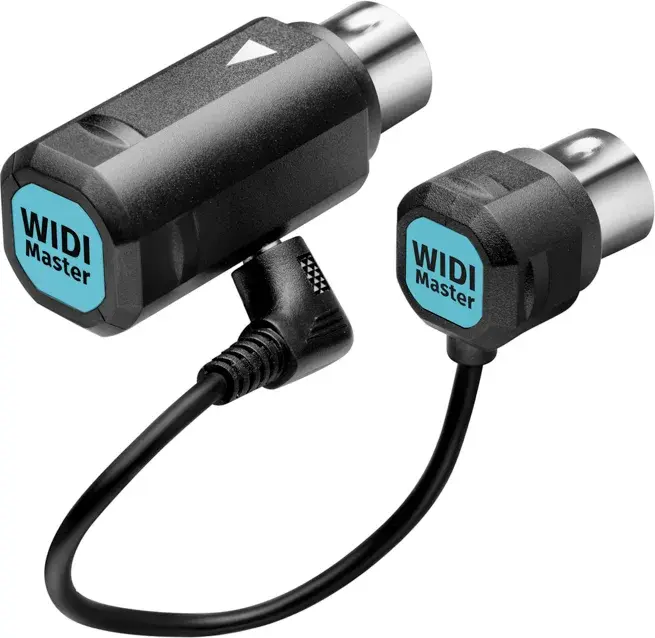
- Keyboard has 5-pin MIDI OUT: use a DIN adaptor. It is powered by the MIDI socket, so it needs nothing else. CME WIDI Master is the safe choice; Roland WM-1 is the alternative.
- Keyboard has USB only (most modern controllers): use a USB host adaptor. It pretends to be the computer, powers the keyboard, and needs its own USB power – which is fine, because you are carrying a power bank anyway. CME WIDI Uhost is the one to get.
- Keyboard has 3.5 mm TRS MIDI (Arturia, Korg, Novation minis): CME WIDI Jack with the matching TRS cable.
At the receiving end:
- Synth module or stage piano with MIDI IN: a second WIDI Master (or WM-1) in its MIDI IN. Pair the two adaptors to each other once, and from then on they find each other every time they power up.
- Laptop running the sounds: a Mac or iPad can connect to the keyboard's adaptor directly from Audio MIDI Setup or the app. A Windows PC should get a WIDI Bud Pro dongle – Windows' built-in Bluetooth MIDI is unreliable enough that this is not optional.
- Several destinations: a WIDI Thru6 BT takes the wireless feed and fans it out to six MIDI outputs, or one WIDI Master can be grouped with up to four others.
 Current
CME
WIDI Master
- Type
- Bluetooth MIDI (DIN)
- Bluetooth
- 5.0
- Powered from
- MIDI out (bus)
- Pairs without a computer
- Yes
£492020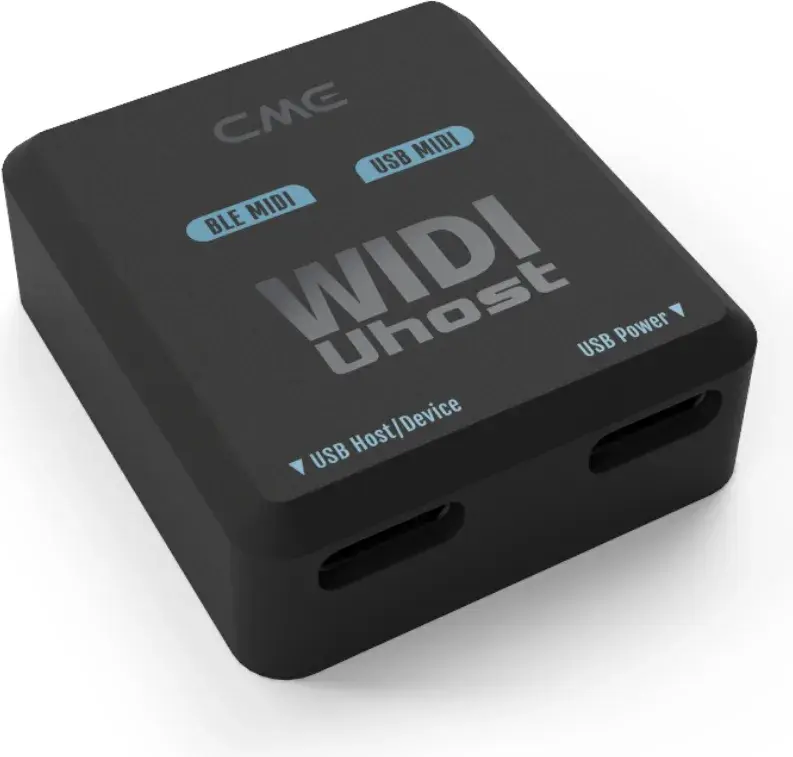 Current
CME
WIDI Uhost
- Type
- Bluetooth USB host
- Bluetooth
- 5.0
- Powered from
- USB
- Pairs without a computer
- Yes
£592021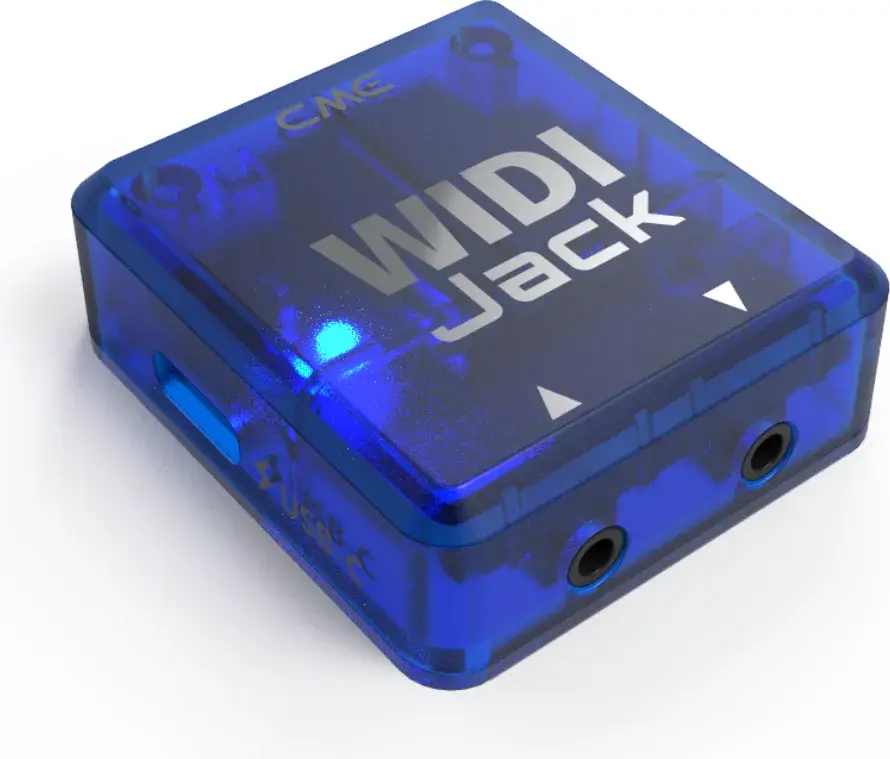 Current
CME
WIDI Jack
- Type
- Bluetooth MIDI (DIN)
- Bluetooth
- 5.0
- Powered from
- MIDI out (bus) or USB
- Pairs without a computer
- Yes
£492020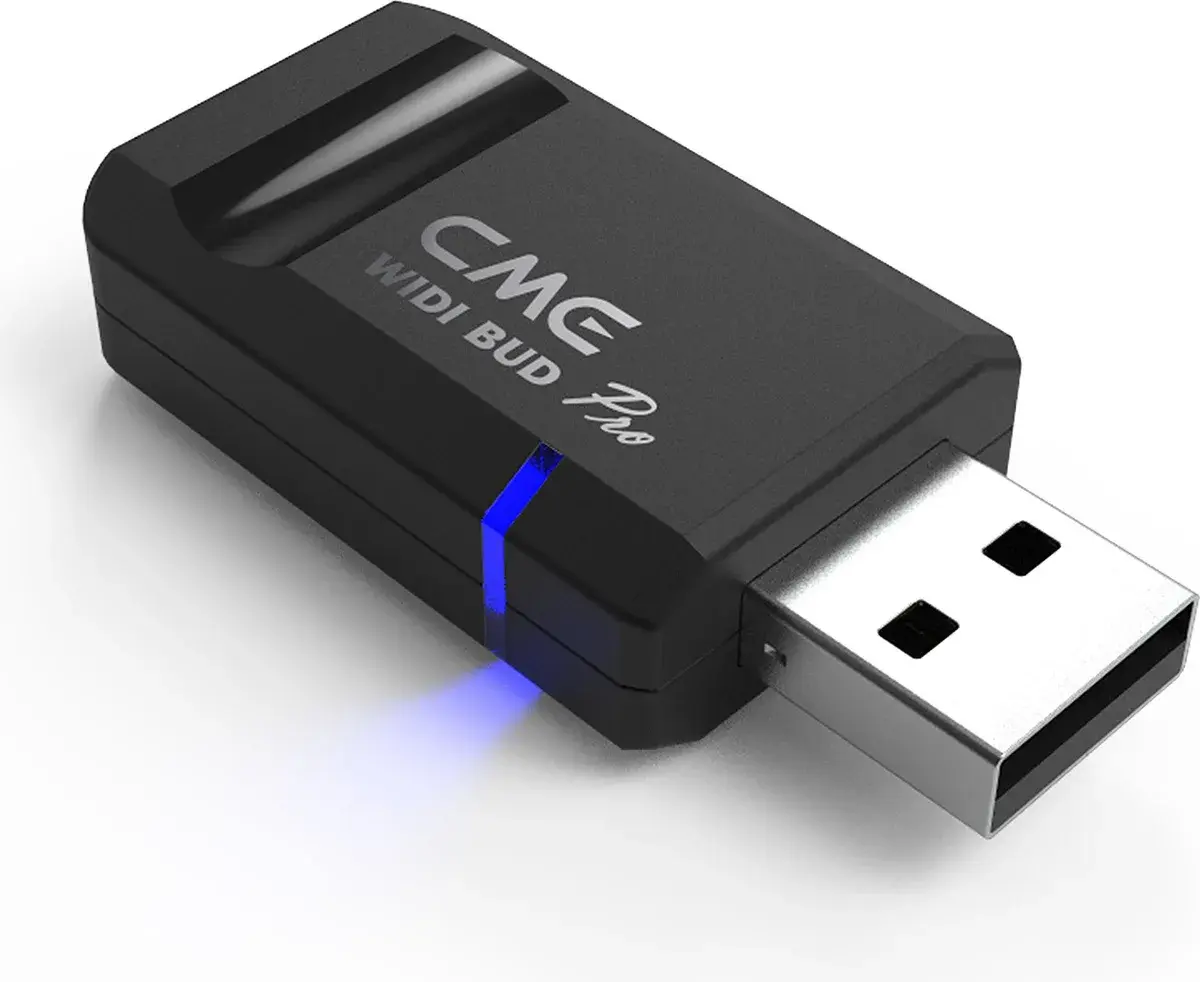 Current
CME
WIDI Bud Pro
- Type
- Bluetooth MIDI (USB dongle)
- Bluetooth
- 5.0
- Powered from
- Host device
- Pairs without a computer
- No
£592021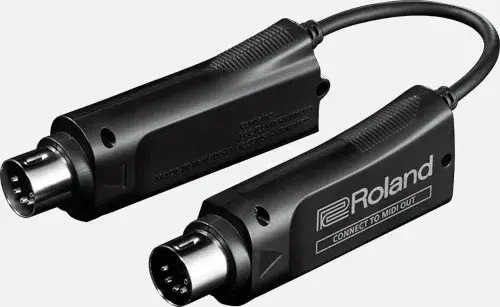 Current
Roland
WM-1
- Type
- Bluetooth MIDI (DIN)
- Bluetooth
- 5.0
- Powered from
- MIDI out (bus)
- Pairs without a computer
- Yes
£502020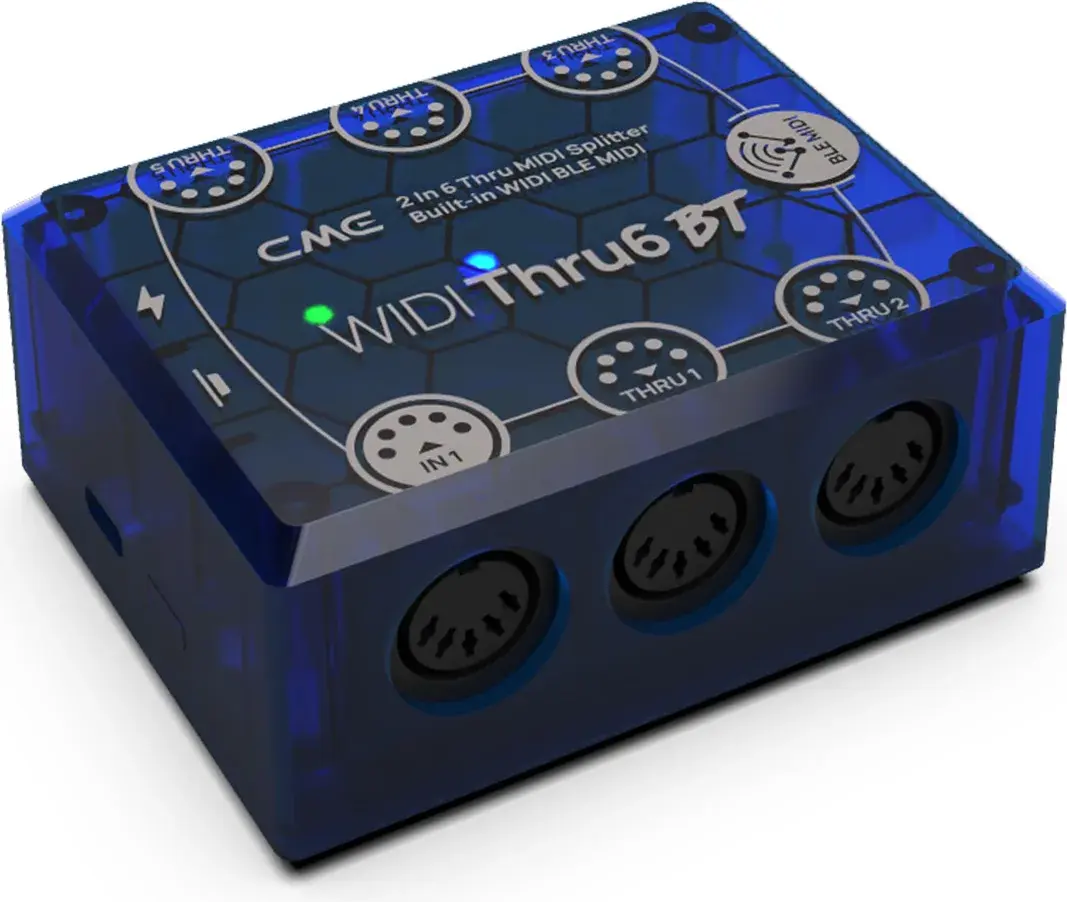 Current
- Type
- Bluetooth thru box
- Bluetooth
- 5.0
- Powered from
- USB
- Pairs without a computer
- Yes
£592022
Part 2 – powering the keyboard from a battery
A bus-powered controller draws somewhere between 100 and 500 mA at 5 V. A 10,000 mAh phone power bank will run one for the best part of a day. The problem is not capacity; it is that nearly every power bank is designed to charge phones, and switches itself off when it sees a tiny load or a load that never changes. To the bank, a keyboard idling between songs looks like a phone that has finished charging, so it shuts down – and the keyboard goes dark half-way through the set.
The fix is a bank with a low-current mode, sometimes called trickle-charge, low-power or 'small device' mode. It is meant for earbuds and smartwatches, and it keeps the output on regardless of how little current is drawn. Anker (the button double-press on most of their banks), Nitecore, INIU and Zendure all label it clearly; if the listing does not mention it, assume the bank does not have one. Turn the mode on before the gig, and put a bit of tape over the button.
- Check the keyboard's current draw – it is in the spec sheet or on the label by the USB socket – and buy a bank of at least 10,000 mAh with a low-current mode.
- For a USB-only keyboard with a WIDI Uhost: bank → Uhost's USB-C power socket → Uhost's host port → keyboard. The Uhost powers the keyboard.
- For a keyboard with DIN MIDI and its own USB or DC power input: bank → keyboard's USB socket (or a USB-PD-to-barrel trigger cable for a 9 V / 12 V DC input; get the polarity and voltage right, and check the bank does PD). The WIDI Master needs nothing – it runs from MIDI OUT.
- Switch the bank into low-current mode, power everything up, and leave it sitting for twenty minutes before you trust it on stage. If it stays on with no notes being played, it will stay on all night.
- Velcro the bank and adaptors to the underside of the keyboard or the stand so nothing dangles.
Part 3 – the stand and the rest
With no cables, the stand is the only thing tying the keyboard to a spot, so pick something the player can move. A single-braced X-stand or a compact Z is enough for a 25–49 key controller; give a bigger board a double-braced X. If the keyboard is going to be shared between people, a tablet holder on the stand for a set list is a nice touch.
Audio is the one wire this guide does not remove, because the keyboard is a controller: the sound is made somewhere else and comes out of that something's outputs, which are already wired to the desk. If the satellite keyboard is a self-contained synth with its own audio out, you are back to a cable – or a Bluetooth audio transmitter, whose latency is a different and much worse story.
Shopping list for the common case
A USB-only MIDI controller playing sounds on a laptop across the stage:
- CME WIDI Uhost on the keyboard (with a short USB cable to the keyboard's socket)
- CME WIDI Bud Pro in the laptop (Windows) – or nothing extra on a Mac
- A 10,000–20,000 mAh power bank with a low-current mode, plus a short USB-C cable to the Uhost
- A folding X-stand and a strip of Velcro
Budget roughly £120–£150 for the two adaptors and the bank. Test the whole chain in the rehearsal room, including leaving it idle for a break, before the first show.